
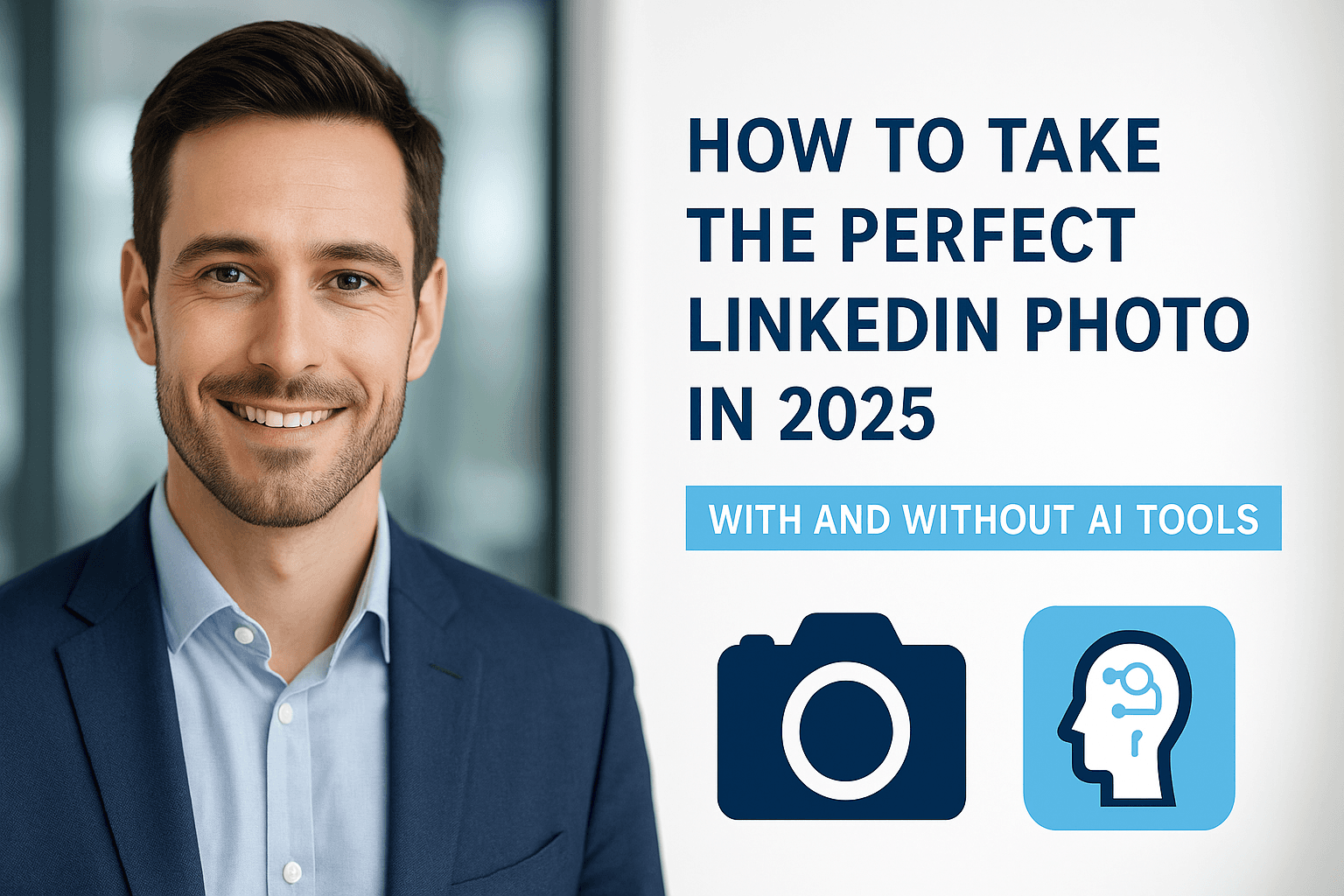
A professional photo can significantly improve:
- profile visibility
- recruiter response rate
- job application conversion
- personal branding
- networking and credibility
But you don’t need a studio or expensive equipment to take (or generate) the perfect LinkedIn headshot. This guide shows you how to do it—both with a camera and with AI tools like JobFotos.ai.
📌 Why LinkedIn Photos Matter More in 2025
LinkedIn has evolved from a resume platform into a global professional identity. Stats from HR and hiring reports show:
- Profiles with professional photos get up to 21x more views
- 36% of recruiters say the profile photo impacts first impression
- Job seekers with professional headshots receive up to 9x more connection requests
In other words:
Your LinkedIn photo is your personal branding, trust signal, and confidence booster—compressed into one image.
Step 1: Understand the “Professional Look” in 2025
Great professional headshots share similar traits:
✔ Natural facial expression
Avoid: exaggerated smiles, duckface, overly serious expression
Aim for: confident, warm, approachable
✔ Good lighting
Best beginner setup:
- Stand near a window
- Soft sunlight
- Avoid strong shadows
✔ Neutral background
Top choices:
- plain wall
- office background
- blurred background
Avoid:
- vacation photos
- bedrooms
- clutter
✔ Proper framing
Your head and shoulders should fill the frame. Avoid wide shots.
Step 2: What to Wear
For Men
- business casual shirt
- simple blazer
- avoid bold patterns
For Women
- solid colors or business casual
- minimal jewelry
- avoid extremely bright tones
General rule:
The focus should be on your face, not your clothing.
Step 3: The Best Poses for LinkedIn
✔ The “45° angle”
Most flattering and professional.
✔ Shoulders slightly angled
More modern and confident.
✔ Chin at natural height
Avoid looking down or raising your chin too high.
The “Good vs. Bad LinkedIn Photo” Checklist
| Good LinkedIn Photo | Bad LinkedIn Photo |
|---|---|
| Neutral background | Busy or distracting background |
| Professional lighting | Harsh or uneven lighting |
| Clear facial expression | Expressionless or awkward |
| Eye contact | Looking away |
| Sharp and HD | Blurry or low resolution |
How to Take a Great Photo Without Professional Equipment
You can do this entirely with a smartphone.
📱 Best DIY lighting setup
- Face towards the window
- Turn off overhead lights
- Avoid strong sun
📷 Camera settings
- Portrait mode or wide aperture
- Disable beauty filters
- Keep the lens clean
Once you take the photo
Crop from the shoulder up.
Using AI Tools for Professional Results (No Camera Needed)
If you don’t have good lighting, background, or clothing—you can skip all of the above using AI tools.
Tools like JobFotos.ai generate professional headshots in 60 seconds from a casual photo with:
- 2400px HD output
- 15 professional styles
- realistic lighting
- natural facial geometry
- InstantID face preservation
- no subscription required
(From your project: AI headshot generation in 60 seconds and 15 styles) :contentReference[oaicite:1]{index=1}
DIY vs. AI Headshots: Which Should You Choose?
| Method | Pros | Cons |
|---|---|---|
| Smartphone | Free | Needs good lighting |
| Studio | High quality | $200–$300 |
| AI (JobFotos.ai) | Fast, HD, no studio required | Needs source image |
For most professionals in 2025:
AI headshots are the best balance of speed, quality, and cost.
What NOT to Do in a LinkedIn Photo
❌ No sunglasses
❌ No party photos
❌ No blurry shots
❌ No family/couple photos
❌ No huge selfie angles
This is a professional platform—not Instagram.
The Perfect LinkedIn Photo Checklist
✔ Clear facial expression
✔ Natural smile
✔ HD quality
✔ Good lighting
✔ Simple background
✔ Shoulder-up framing
✔ Professional clothing
If your photo meets these 7 rules, it’s already better than 90% of LinkedIn profiles.
Conclusion
Professional LinkedIn photos are no longer optional. They influence:
- how people perceive you
- recruiter attention
- career opportunities
- personal branding
Whether you take your own headshot or use AI, the goal is the same:
Look confident, professional, and approachable.
Try JobFotos.ai in 60 Seconds
You only need one casual photo to generate a professional headshot:
Join more than 200,000+ users who upgraded their profile photo.
Related Articles
Ready to Create Your Professional Headshot?
Transform your photo into a professional headshot in 60 seconds with AI
Subscribe to Our Newsletter
Get the latest AI headshot tips, guides, and exclusive offers delivered to your inbox.
We respect your privacy. Unsubscribe at any time.